The PickMeNot guide library
Better tools.
Clearer decisions.
Choose around the work you need to get done, the limits you can live with, and the total cost you can justify.
Fresh research
New buying guides
Practical decisions about hardware, home-office tools, cars, and the services you use. New guides appear here as they are published.
-
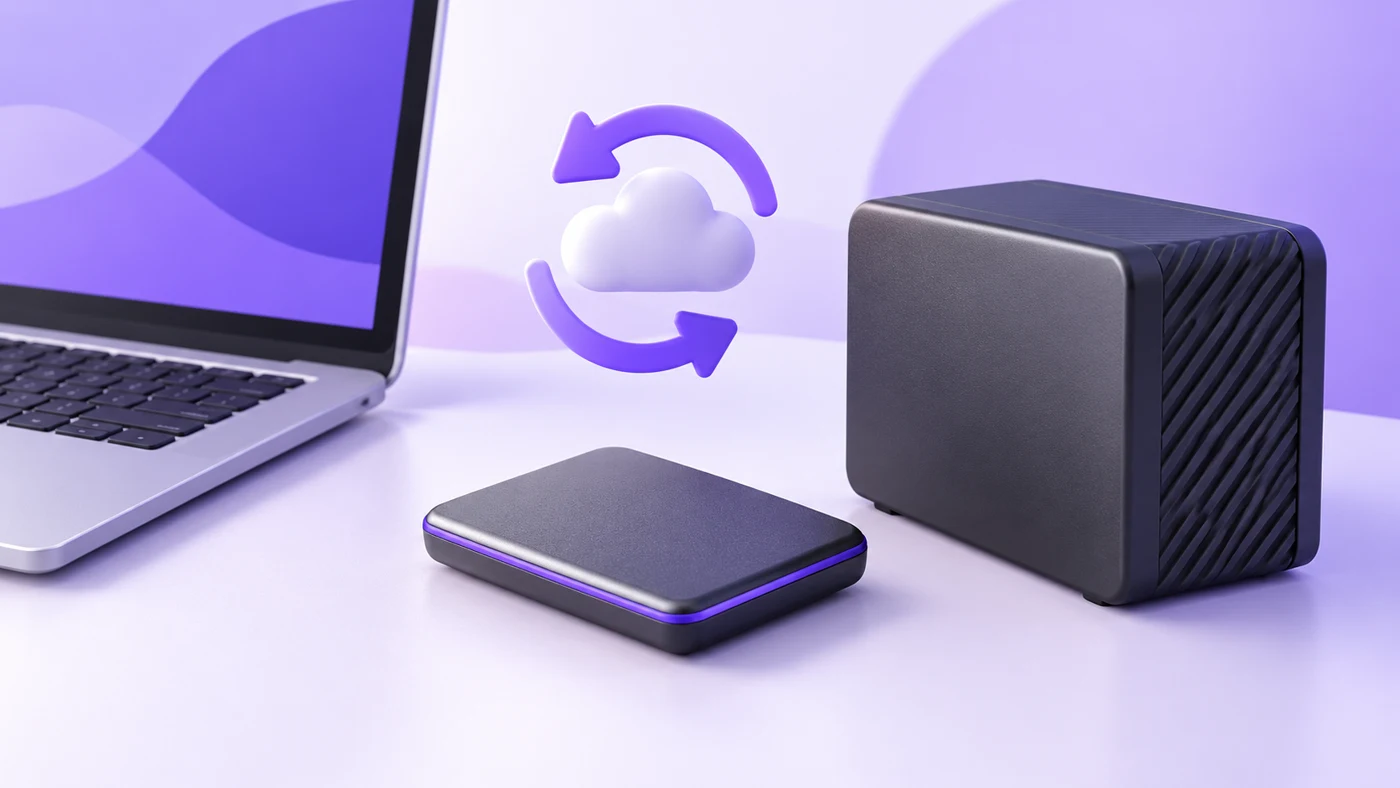
10Gbps, 20Gbps or USB4 SSD: Which Speed Can Your Work Laptop Actually Use?
Choose an external SSD your work laptop can use. Check USB4, 20Gbps Gen 2×2, Mac limits, cables, backup needs and exact drive models before buying.
-

The Economist vs Financial Times: Weekly Synthesis or Daily Business Reporting?
The Economist and the Financial Times both publish daily reporting and analysis. Choose by the reading habit you need, then check the exact access and renewal commitment.
-

Claude Sonnet 5.5 vs Opus 5.5 for Long Client Briefs: When Is the Upgrade Worth Evaluating?
Compare Claude Sonnet 5.5 and Opus 5.5 for long briefs. Check context budgets, citations, contradictions, API costs and whether less review justifies a switch.
-

Wired USB Headsets With Sidetone: What Works Without Extra Setup?
Compare wired USB headsets with sidetone. Check hardware controls, required apps, firmware, USB variants and managed-laptop limits before buying.
-
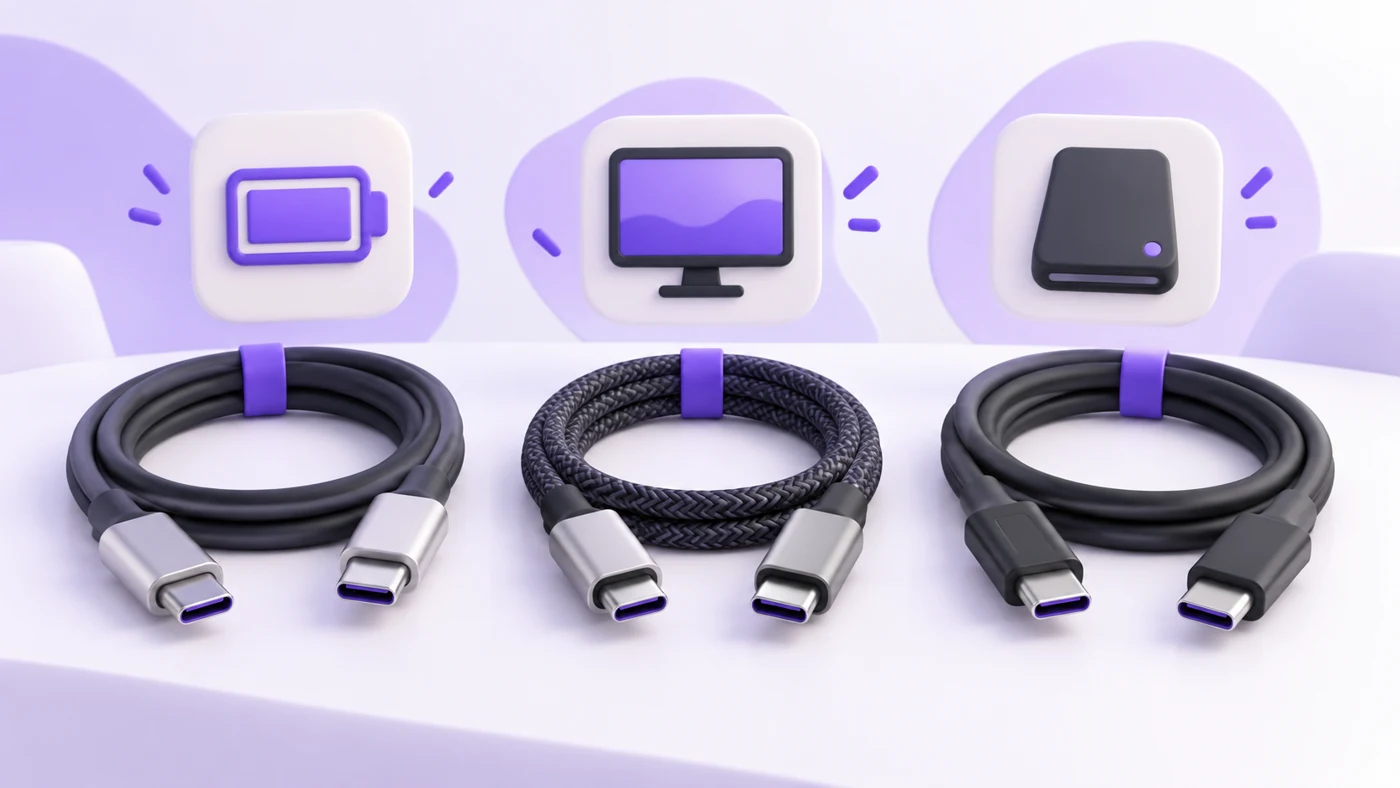
Which USB-C Cable Do You Need for a Monitor, SSD, or Charging?
Choose a USB-C cable by power, data speed, video support and length. Check USB4 and Thunderbolt compatibility, reuse options and exact cable models.
-
Teams or UC Headset: Which Version Should a Consultant Buy?
Choose a Teams or UC headset for mixed client calls. Check USB receivers, Bluetooth, browser controls, managed laptops and exact model numbers before buying.
-
Financial Times vs Wall Street Journal for Business Reading: Which Subscription Fits Your Job?
Compare FT and WSJ for business reading: coverage fit, digital tiers, renewal billing, cancellation checks and a transparent, limited article sample.
-
Gemini 3.8 Flash vs GPT-6 Luna for PDFs and Images: Compare the Whole Input Workflow
Compare Gemini 3.8 Flash and GPT-6 Luna for PDFs and images: upload limits, visual parsing, dated API costs, privacy, and a practical test workflow.
-

2014–2018 Mazda3 for Daily Commuting: Engine Choices, Build Dates and Inspection Priorities
Buying a 2014–2018 Mazda3 commuter? Compare engines, transmissions, build-date safety limits, recalls, maintenance records and inspection priorities.
-
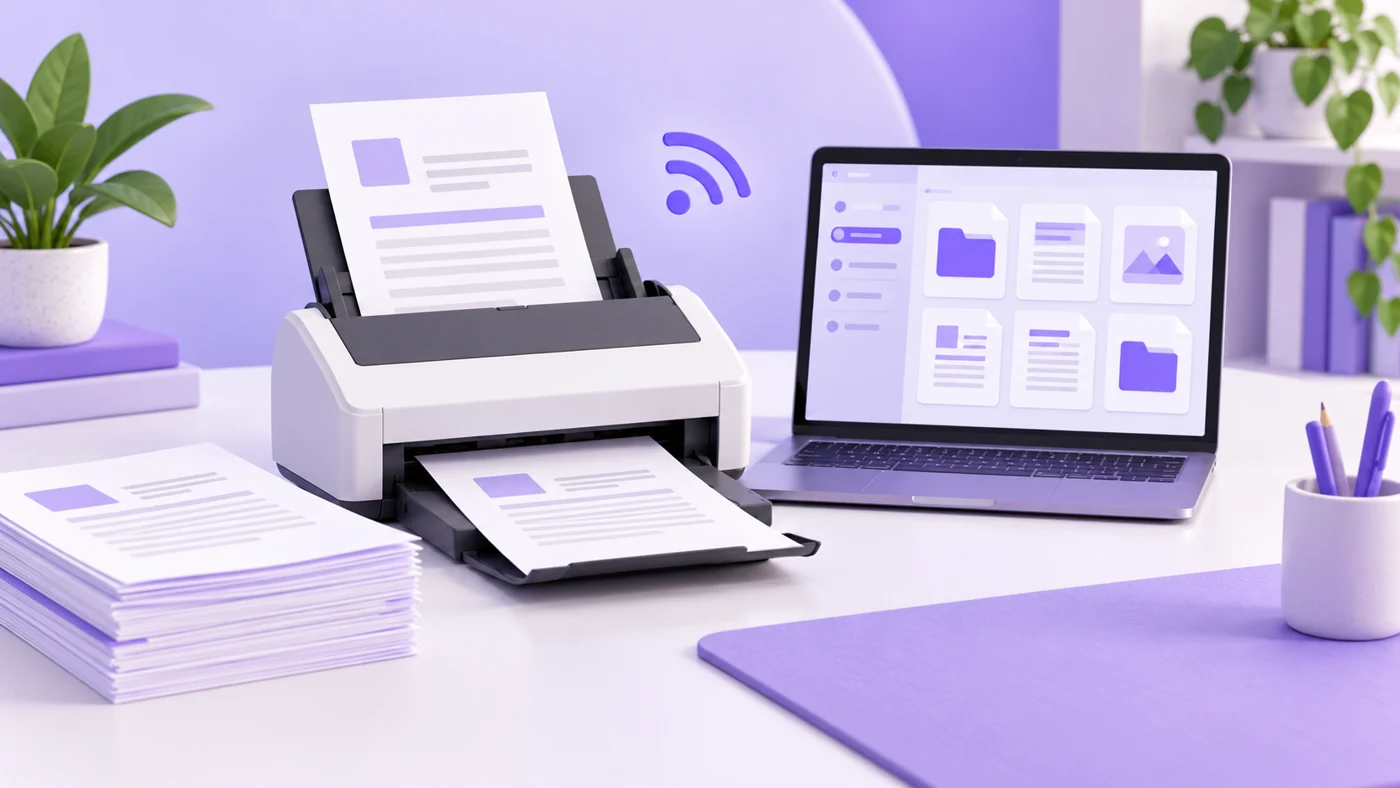
ScanSnap iX1300 vs iX2500: Small Desk or Bigger Paper Pile?
Compare ScanSnap iX1300 and iX2500 for open desk space, paper paths, batch capacity, cards, booklets, software, and upkeep. Find your better fit.
-
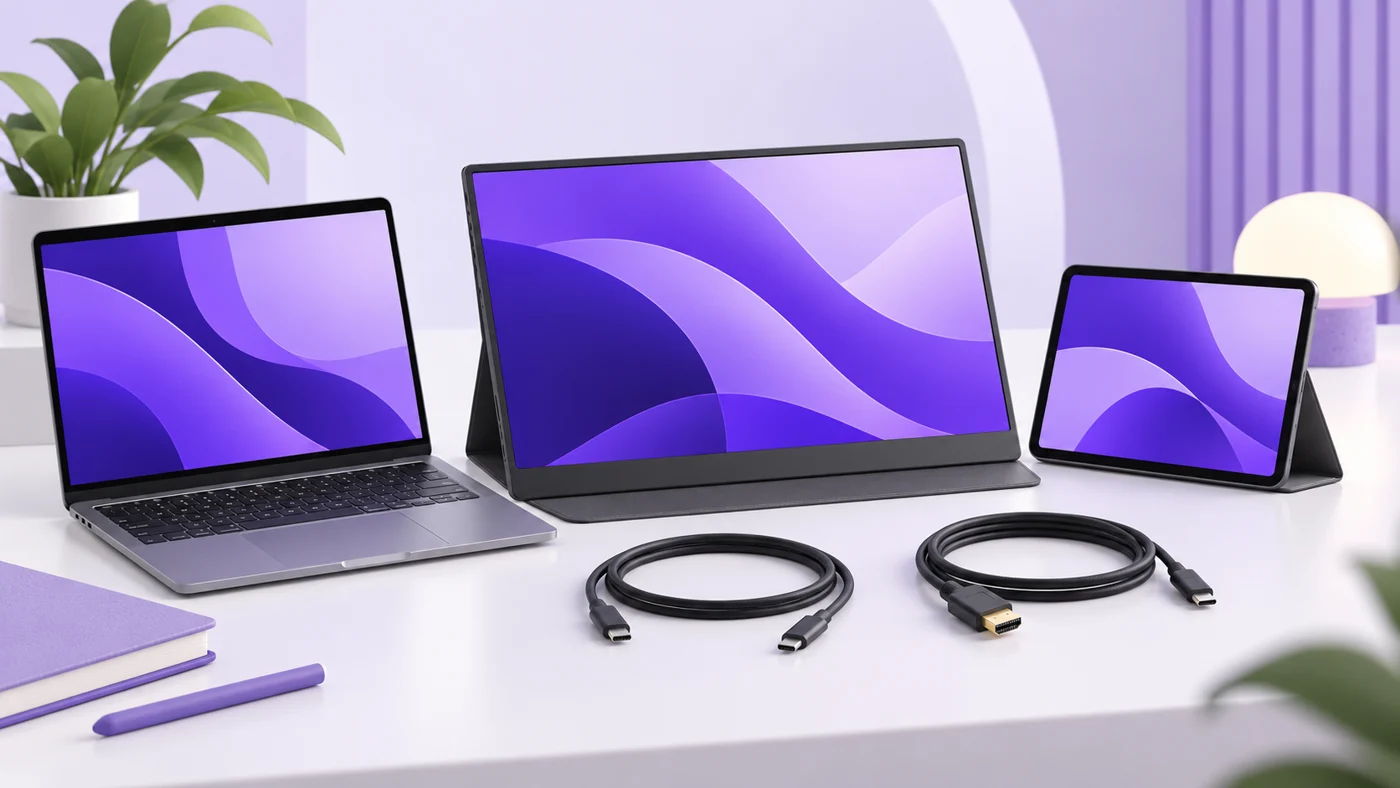
A Dual-Monitor Dock for an M1 or M2 MacBook Air: What Must It Support?
Choose an M1 or M2 MacBook Air dual-monitor dock by DisplayLink support, software permissions, charging, scaling, and protected-video limitations.
-
BBC vs Reuters for International News: Background, Breaking Updates and Reading Time
A close reading of three matched events shows why format, sourcing and your existing knowledge matter more than a simple context-versus-speed rule.
Explore the research
Software comparisons to explore
 Project management
ClickUp vs Asana for small teams
Compare team structure, seat costs, automation limits, and the work required to keep your projects organized.
Read the guide → Email marketing
Kit vs MailerLite
Weigh newsletter workflows, audience growth, plan limits, and the practical costs of running an email platform.
Read the guide → Email marketing
Mailchimp vs Brevo
Understand contact billing, sending allowances, automation, and which costs matter to a small business.
Read the guide → Team productivity
Notion vs ClickUp for small teams
Decide whether your team needs a clearer knowledge base, stronger task coordination, or a better working process.
Read the guide → Scheduling
Calendly vs Cal.com
Compare scheduling limits, payment collection, and the practical costs for independent consultants.
Read the guide → Business hardware
iPad A16 for small business
A useful companion or an awkward laptop replacement? Check the workflow, accessories, and limits before buying.
Read the guide →Before you compare two tools
- Name the workflow you need to improve. Be specific about where work gets stuck.
- Separate the essentials from the appealing extras. A feature you won’t use is still something you may pay for.
- Set a realistic budget for the required seats and billing commitment.
- Check what it would take to move your data, train the team, and leave again.
A shortlist gets more useful when the requirements get clearer.