The PickMeNot guide library
Better tools.
Clearer decisions.
Choose around the work you need to get done, the limits you can live with, and the total cost you can justify.
Fresh research
New buying guides
Practical decisions about hardware, home-office tools, cars, and the services you use. New guides appear here as they are published.
-
Magic Keyboard Folio vs Logitech Combo Touch for iPad A16: Which Fits a Mobile Workday?
Compare Magic Keyboard Folio and Logitech Combo Touch for iPad A16: backlighting, protection, charging, carrying weight, and the kickstand space both need.
-

2014–2017 Toyota Corolla Used Buying Guide: Which Transmission and What to Check
Buying a 2014–2017 Toyota Corolla? Compare CVT, four-speed and manual versions, check JSD campaign history, and inspect the car before buying.
-
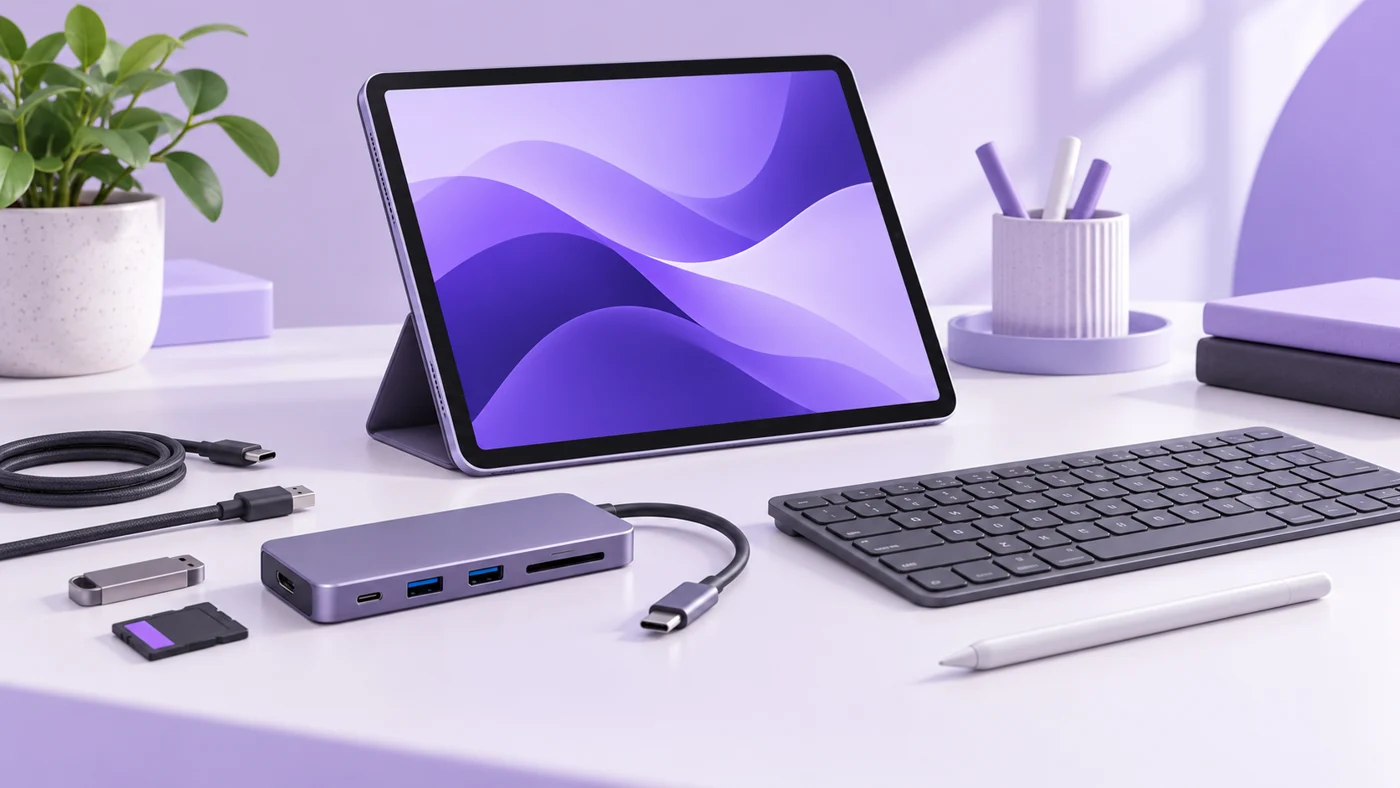
Which USB-C Hub Works With iPad A16? Buy for Your Ports, Not the Biggest Speed Number
Choose an iPad A16 USB-C hub for presentations, Ethernet, or SD imports. Check exact models, charging ports, display limits, and USB 2.0 speed first.
Explore the research
Software comparisons to explore
 Project management
ClickUp vs Asana for small teams
Compare team structure, seat costs, automation limits, and the work required to keep your projects organized.
Read the guide → Email marketing
Kit vs MailerLite
Weigh newsletter workflows, audience growth, plan limits, and the practical costs of running an email platform.
Read the guide → Email marketing
Mailchimp vs Brevo
Understand contact billing, sending allowances, automation, and which costs matter to a small business.
Read the guide → Team productivity
Notion vs ClickUp for small teams
Decide whether your team needs a clearer knowledge base, stronger task coordination, or a better working process.
Read the guide → Scheduling
Calendly vs Cal.com
Compare scheduling limits, payment collection, and the practical costs for independent consultants.
Read the guide → Business hardware
iPad A16 for small business
A useful companion or an awkward laptop replacement? Check the workflow, accessories, and limits before buying.
Read the guide →Before you compare two tools
- Name the workflow you need to improve. Be specific about where work gets stuck.
- Separate the essentials from the appealing extras. A feature you won’t use is still something you may pay for.
- Set a realistic budget for the required seats and billing commitment.
- Check what it would take to move your data, train the team, and leave again.
A shortlist gets more useful when the requirements get clearer.