The PickMeNot guide library
Better tools.
Clearer decisions.
Choose around the work you need to get done, the limits you can live with, and the total cost you can justify.
Fresh research
New buying guides
Practical decisions about hardware, home-office tools, cars, and the services you use. New guides appear here as they are published.
-

Gemini 3.8 Flash vs Claude Sonnet 5.5 for Long-Document Review: Limits, Costs and Verification
Compare Gemini 3.8 Flash and Claude Sonnet 5.5 for source-based review of long documents. Examine citation support, API costs, privacy and a fictional verification exercise without assuming a measured winner.
-

Wi-Fi Extender, Mesh Kit, or New Router for One Weak Home-Office Room?
Diagnose one weak office room before replacing the network. Compare an extender, a two-node mesh kit and a new router by placement, backhaul, client limits and your existing gateway.
-

A monitor light bar and webcam on one curved monitor: what actually fits?
A practical fit checklist for sharing one curved monitor between a light bar and webcam, including exact BenQ mounting ranges, camera-placement options and reasons to keep your existing lamp.
-

2006–2011 Honda Civic Buying Guide: When an Older Commuter Is Worth a Closer Look
An older Civic can make sense when the individual car has a convincing cooling-system history, resolved recall work and a satisfactory independent inspection. Compare the exact powertrain and body style before judging its price.
-

NPR vs PBS NewsHour for a Daily Briefing: Audio, Video and the Time You Have
Choose a daily news routine around your time and attention. Compare NPR’s short briefings and radio reports with PBS News Hour, with three historical reporting pairs, transcript caveats and updated weekend formats.
-
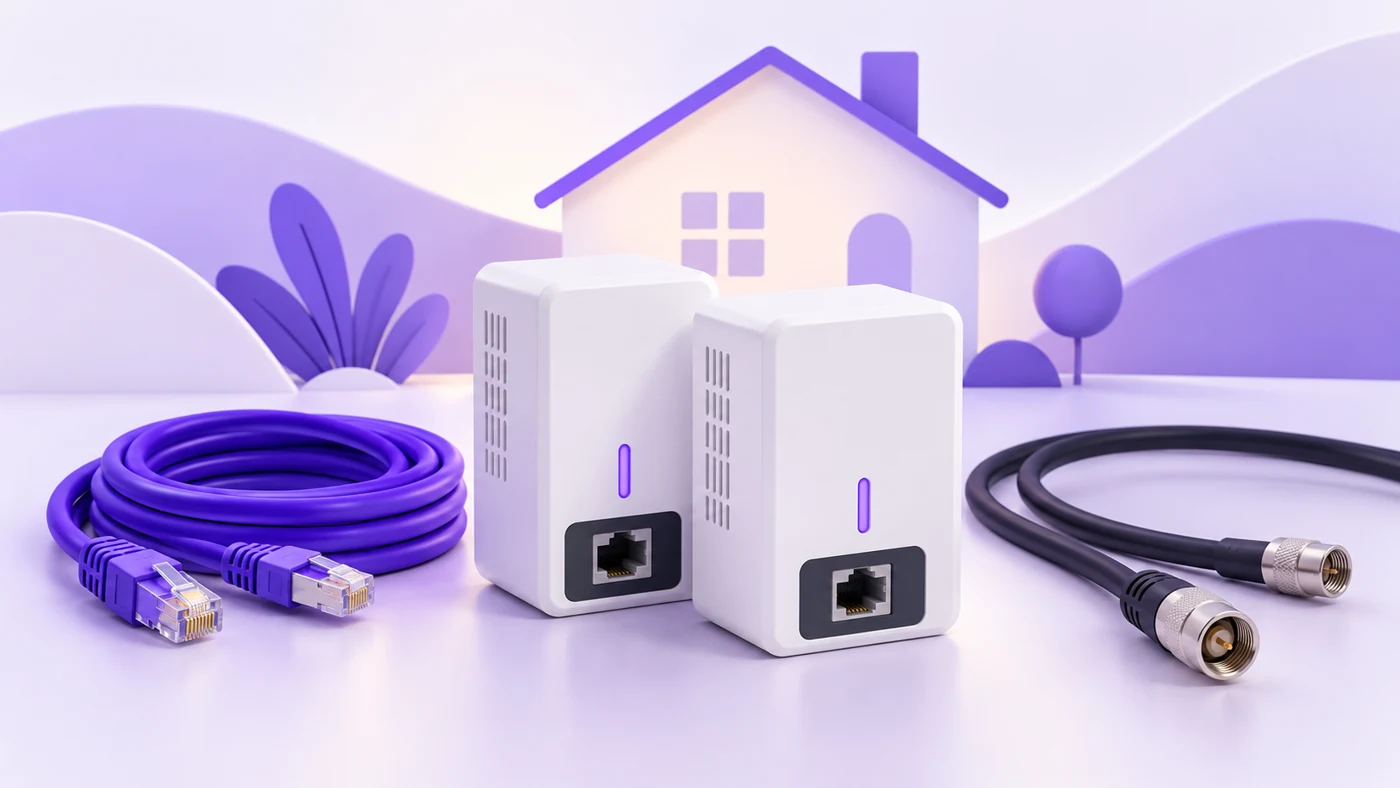
MoCA or Powerline for a Home Office With Weak Wi-Fi?
Compare MoCA and powerline around the wiring your home actually has. Check coax compatibility, safe outlets, ISP approval and encryption before buying either type of adapter.
-
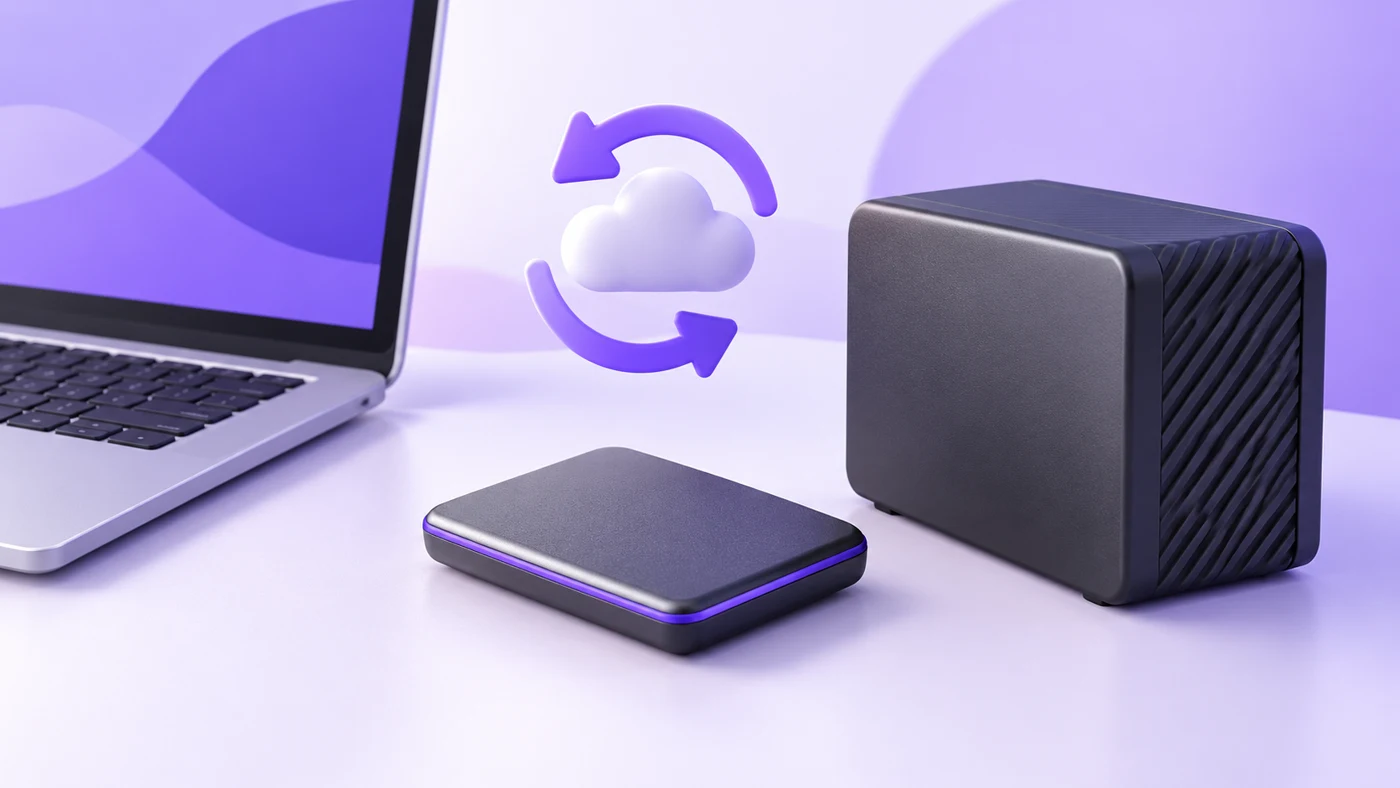
SSD or Hard Drive for Time Machine: What Should a Work Mac Use?
Choose a Time Machine drive around backup capacity, desk noise and a routine you can keep. Compare two exact drive models, learn the format and encryption checks, and build a practical second-copy plan.
-

Quiet office keyboards for taking notes while your microphone is on
Compare exact K950, MX Keys S, and CHERRY STREAM variants, plus microphone placement and no-buy fixes for typing during video calls.
-
Bloomberg vs Wall Street Journal for Company and Industry Coverage: What Are You Paying For?
Choose Bloomberg or the Wall Street Journal by the companies you follow, the reading habit you need and the renewal bill. A small preview sample shows both the overlap and the limits of a simple…
-
GPT-6 Astra vs GPT-6.1 Sol for Complex Project Planning: A Cost-and-Workflow Comparison
Compare GPT-6 Astra and GPT-6.1 Sol for complex project plans: verified API costs, schedule conflicts, review time, and a reproducible planning test.
-
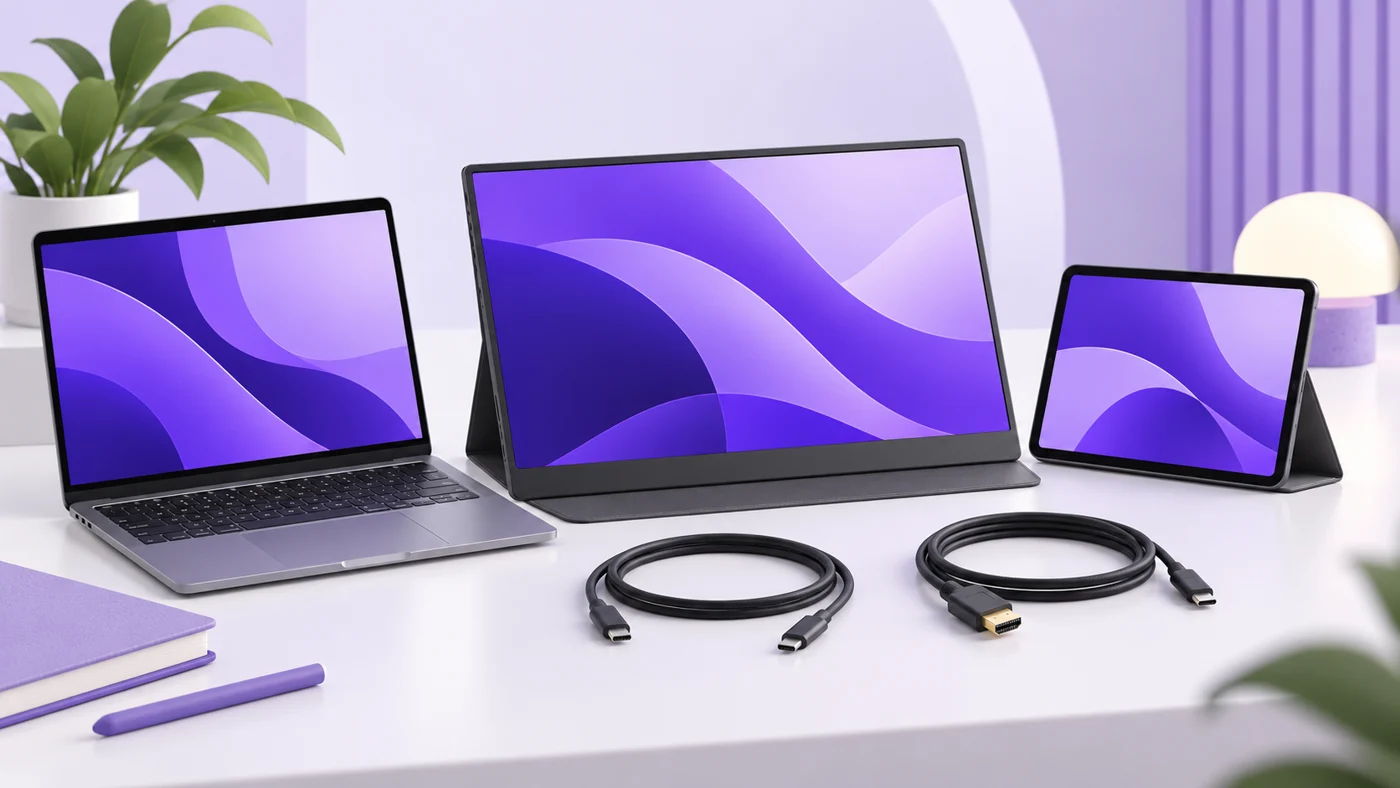
USB-C Monitor or Separate Dock: Which Should You Buy for a One-Laptop Office?
Choose a USB-C monitor or separate dock based on the screen you own, laptop charging, ports and total setup cost. Includes verified examples and no-buy options.
-
2009–2013 Honda Fit as an Older Commuter: Cargo Usefulness, Rust and Recall Checks
Buying a 2009–2013 Honda Fit? Check rust, driveshaft and airbag recalls, maintenance, transmission choice and cargo fit before choosing an older commuter.
Explore the research
Software comparisons to explore
 Project management
ClickUp vs Asana for small teams
Compare team structure, seat costs, automation limits, and the work required to keep your projects organized.
Read the guide → Email marketing
Kit vs MailerLite
Weigh newsletter workflows, audience growth, plan limits, and the practical costs of running an email platform.
Read the guide → Email marketing
Mailchimp vs Brevo
Understand contact billing, sending allowances, automation, and which costs matter to a small business.
Read the guide → Team productivity
Notion vs ClickUp for small teams
Decide whether your team needs a clearer knowledge base, stronger task coordination, or a better working process.
Read the guide → Scheduling
Calendly vs Cal.com
Compare scheduling limits, payment collection, and the practical costs for independent consultants.
Read the guide → Business hardware
iPad A16 for small business
A useful companion or an awkward laptop replacement? Check the workflow, accessories, and limits before buying.
Read the guide →Before you compare two tools
- Name the workflow you need to improve. Be specific about where work gets stuck.
- Separate the essentials from the appealing extras. A feature you won’t use is still something you may pay for.
- Set a realistic budget for the required seats and billing commitment.
- Check what it would take to move your data, train the team, and leave again.
A shortlist gets more useful when the requirements get clearer.