The PickMeNot guide library
Better tools.
Clearer decisions.
Choose around the work you need to get done, the limits you can live with, and the total cost you can justify.
Fresh research
New buying guides
Practical decisions about hardware, home-office tools, cars, and the services you use. New guides appear here as they are published.
-
GPT-6 Luna vs Claude Haiku 5.5 for Structured Data Extraction: Which API Should You Try?
Compare GPT-6 Luna and Claude Haiku 5.5 for structured extraction: JSON limits, API costs, privacy, unknown fields, and a practical evaluation rubric.
-
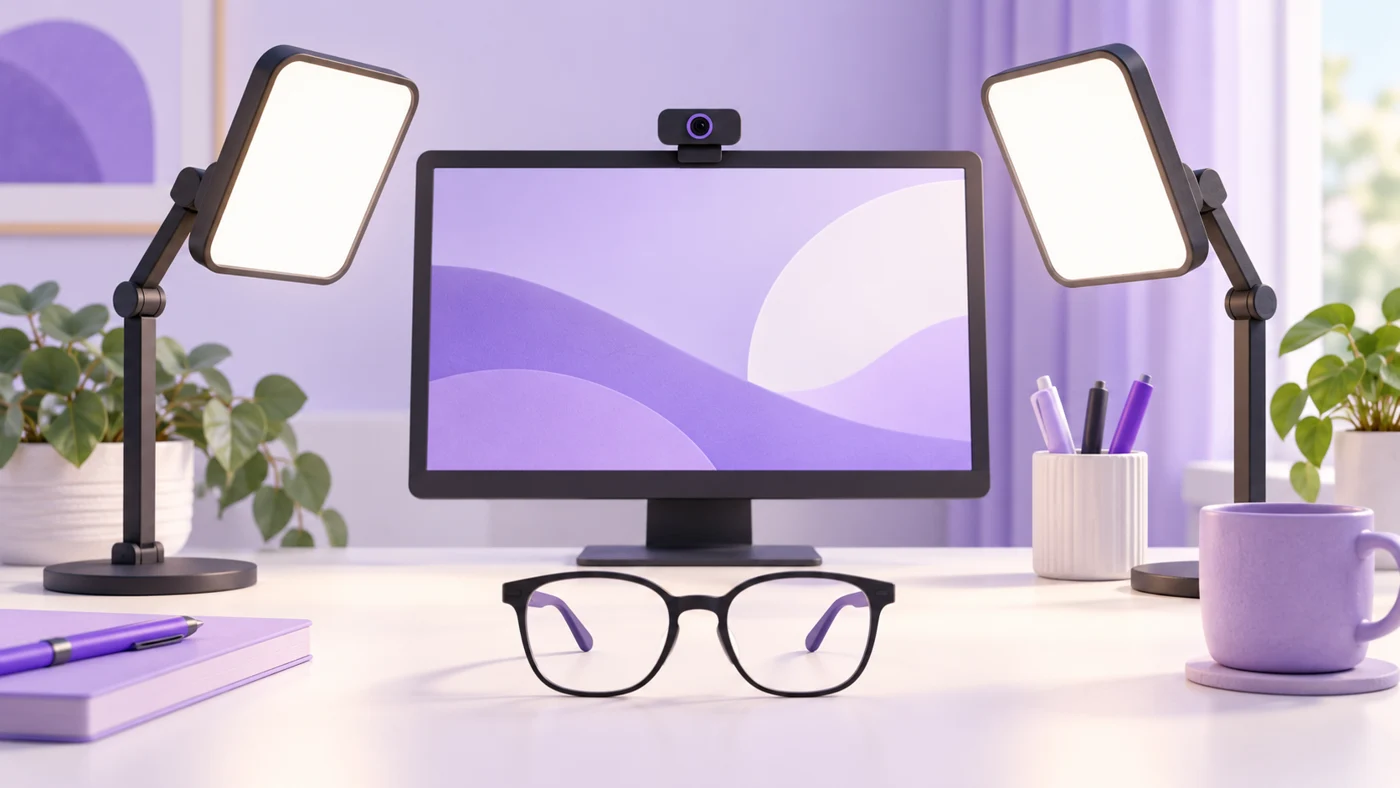
Video-Call Lights for Glasses: Buy for Placement, Not a ‘Glare-Free’ Label
Choose video-call lights for glasses by mount reach, desk space, dimming, and power. Try free glare adjustments before buying a Logitech or Elgato light.
-
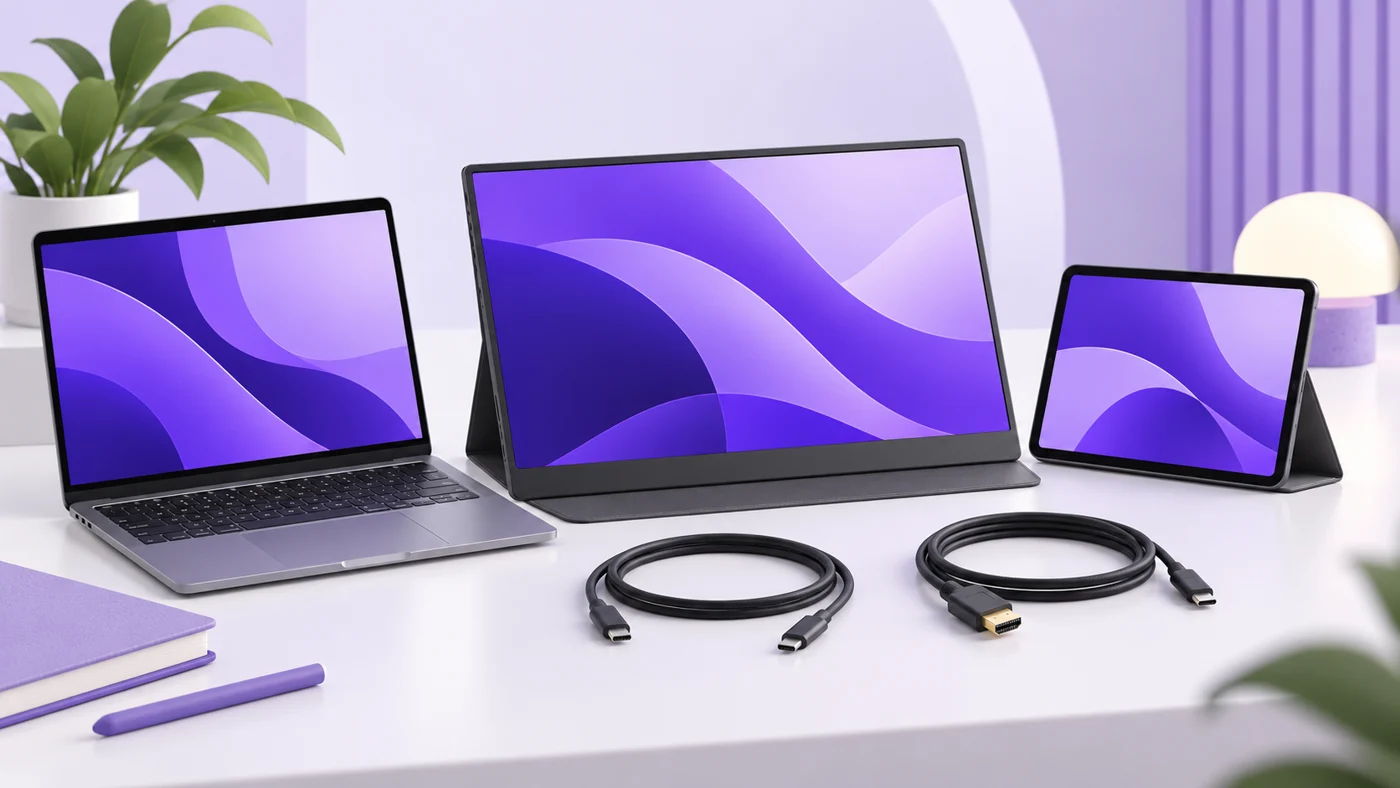
A Portable Monitor for Both iPad and Laptop: Check Video, Power, and Ports First
Choose a portable monitor for iPad and laptop by checking USB-C video, HDMI, charging, cables, A16 display limits, and the weight of your complete travel kit.
-
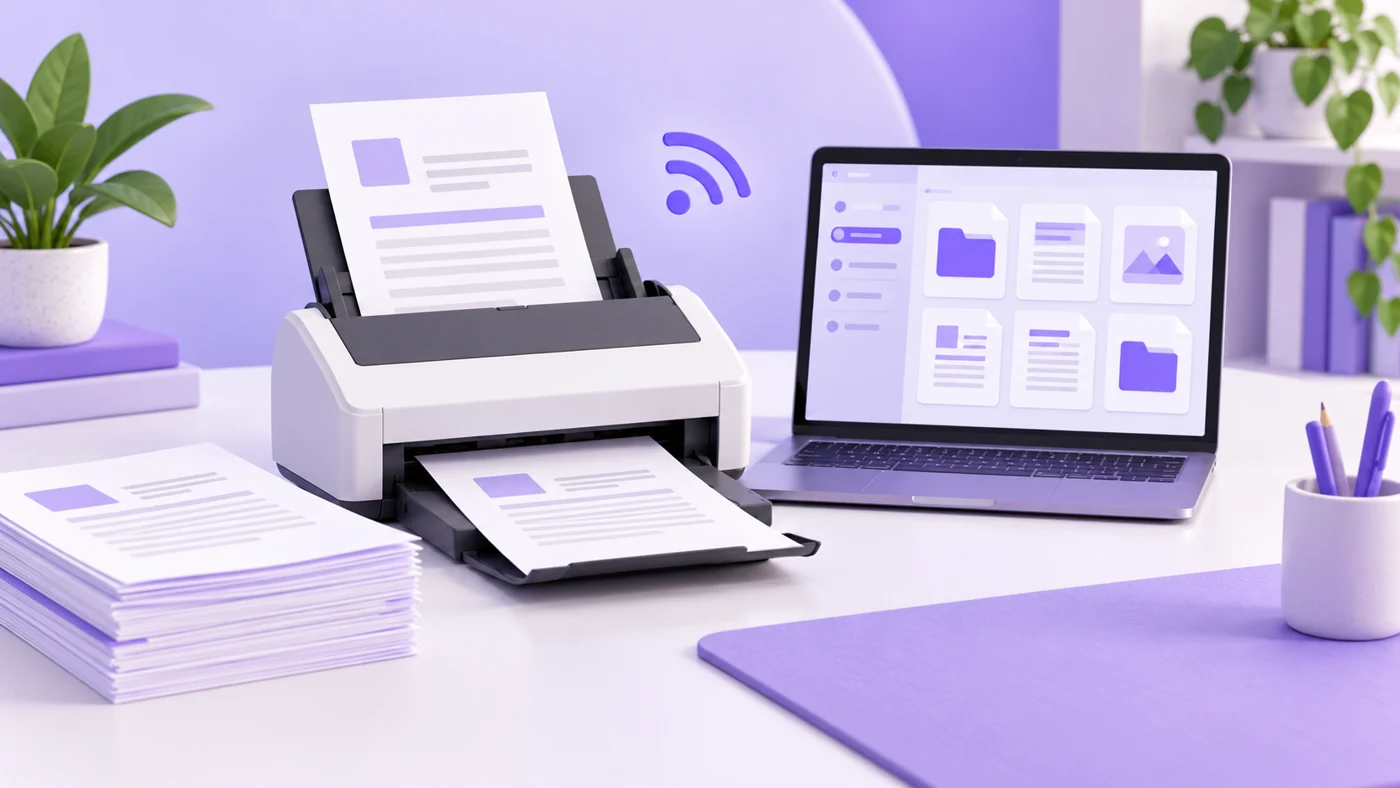
ScanSnap iX2400 vs iX2500: Is Wi-Fi Worth Paying For?
Compare ScanSnap iX2400 and iX2500 for USB, Wi-Fi, mobile scanning, NAS folders, software, paper limits, and the editions worth paying for.
-

Reuters vs AP for a Daily News Briefing: Which Fits Your Reading Routine?
Reuters vs AP for your daily briefing: compare sourcing, corrections, coverage, free access and subscription value using four dated news examples.
-
GPT-6.1 Sol vs Claude Sonnet 5.5 for Client Proposals: Which API Fits the Job?
Compare GPT-6.1 Sol and Claude Sonnet 5.5 for client proposals: API costs, app plans, privacy, integrations, and a practical test before you pay.
-
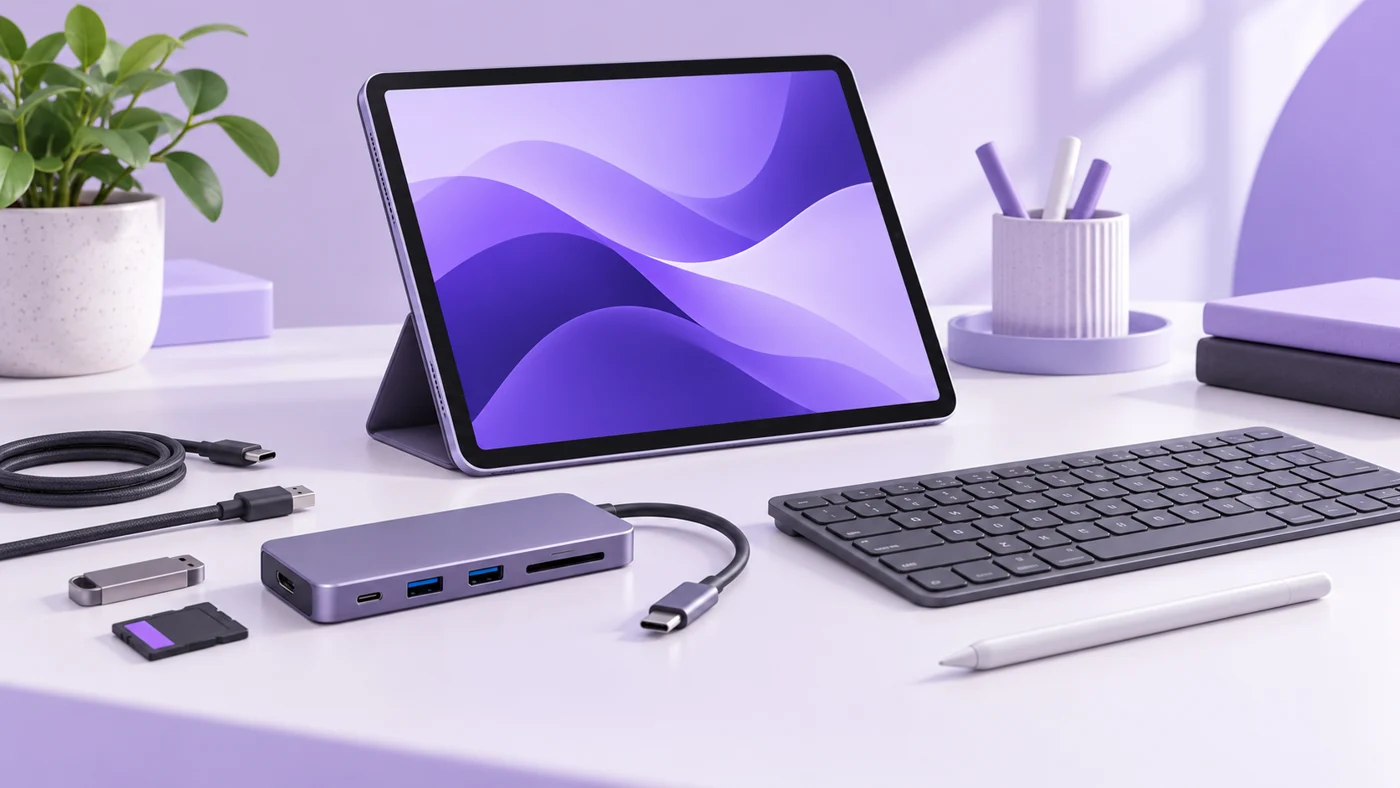
Apple Pencil USB-C vs First Generation for iPad A16: Notes, PDFs, or Drawing?
Choose the right Apple Pencil for iPad A16. Compare USB-C convenience, first-gen pressure sensitivity, adapters, box contents, notes, PDFs, and drawing.
-

2012–2015 Honda Civic Used Buying Guide: The 2013 Safety Update and 2014 CVT Change
Buying a 2012–2015 Honda Civic? Compare the 2013 safety update, 2014 CVT change, recall checks, service records and inspection priorities before you pay.
-
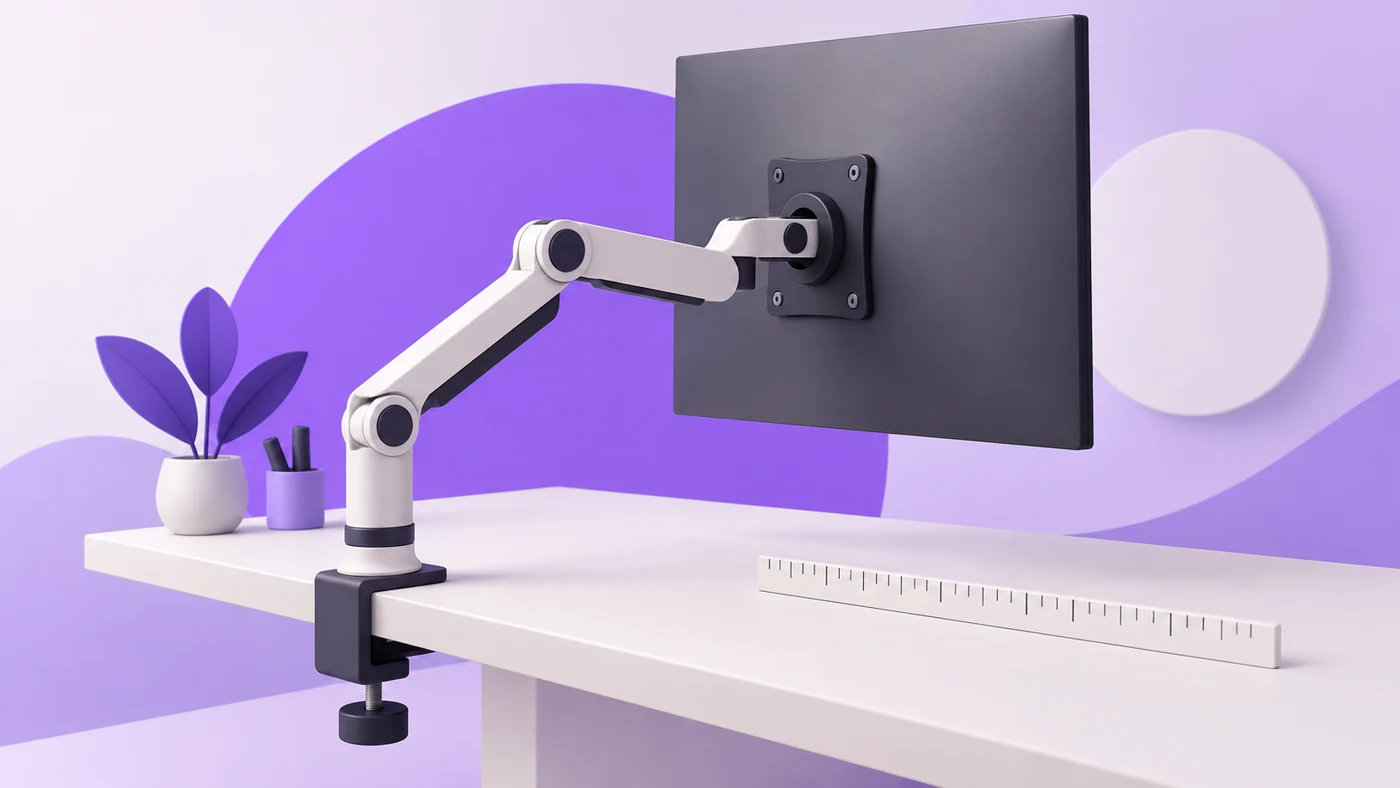
Monitor Arms for a Shallow Desk Against a Wall: Measure Folded Depth First
Choose a monitor arm for a shallow desk against a wall. Measure folded depth, clamp clearance, screen position, VESA fit, weight, and cable space first.
-
Can iPad A16 Run an Extended Monitor? Check This Before Buying a Display
iPad A16 can mirror a screen, but separate app workspaces need supported models. Check Stage Manager, 4K limits, and your workflow before buying a monitor.
-
A Printer for Occasional Home-Office Use: Laser, Ink Tank, or No Printer?
Choose a printer for occasional home-office use. Compare laser, ink tank, and print shops, with realistic cost scenarios, maintenance, and connection checks.
-
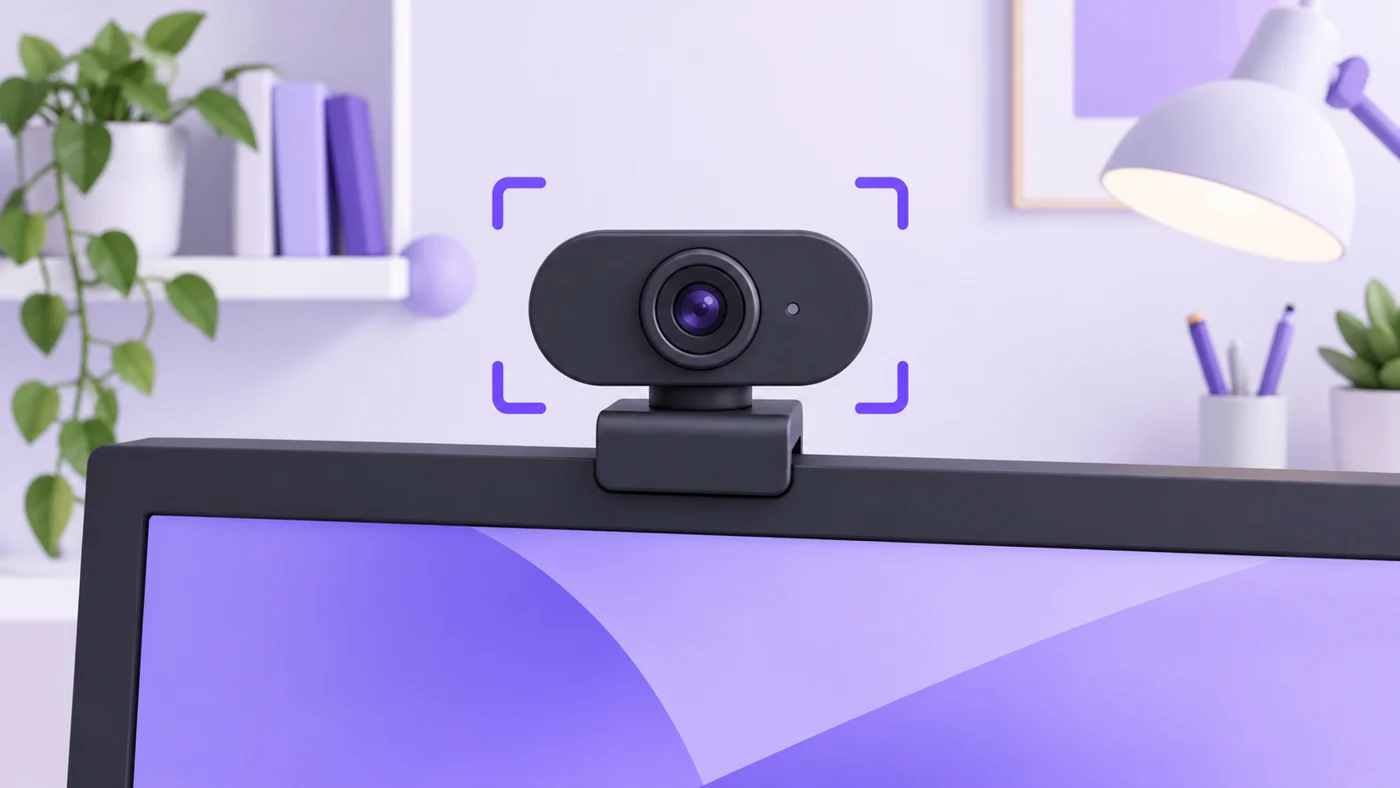
Narrow-View Webcams for a Small Home Office: Fixed Framing or Software Crop?
Choose a narrow-view webcam for a small home office. Compare Brio 100, Brio 500, and C270, plus software limits, focus distance, and USB fit.
Explore the research
Software comparisons to explore
 Project management
ClickUp vs Asana for small teams
Compare team structure, seat costs, automation limits, and the work required to keep your projects organized.
Read the guide → Email marketing
Kit vs MailerLite
Weigh newsletter workflows, audience growth, plan limits, and the practical costs of running an email platform.
Read the guide → Email marketing
Mailchimp vs Brevo
Understand contact billing, sending allowances, automation, and which costs matter to a small business.
Read the guide → Team productivity
Notion vs ClickUp for small teams
Decide whether your team needs a clearer knowledge base, stronger task coordination, or a better working process.
Read the guide → Scheduling
Calendly vs Cal.com
Compare scheduling limits, payment collection, and the practical costs for independent consultants.
Read the guide → Business hardware
iPad A16 for small business
A useful companion or an awkward laptop replacement? Check the workflow, accessories, and limits before buying.
Read the guide →Before you compare two tools
- Name the workflow you need to improve. Be specific about where work gets stuck.
- Separate the essentials from the appealing extras. A feature you won’t use is still something you may pay for.
- Set a realistic budget for the required seats and billing commitment.
- Check what it would take to move your data, train the team, and leave again.
A shortlist gets more useful when the requirements get clearer.